Buying advice
YouTube, Reels and vlogs: a body that can handle it
How to choose a body for vlogs and short videos: autofocus, stabilisation, screen and audio, recommended settings and checks for a used unit.
For YouTube, Reels or vlog video the criteria differ from stills. The body has to keep the image sharp and stable for the whole recording, must not overheat and above all must let you record usable sound. A viewer will forgive a slightly soft image, but not hissing audio or focus that is lost whenever you turn your head. This article shows what to focus on in a body, how to set it up and what to check on a used one.
What matters for video
- Autofocus with face and eye detection. When you film yourself, nobody can focus for you, so it has to work reliably even when you move and in poorer light.
- In-body stabilisation (IBIS). It makes a big difference for handheld filming. Electronic stabilisation also crops the image, so expect a narrower angle of view.
- A fully articulating screen. Only a screen that swings out to the side lets you check the frame while filming yourself. One that only tilts up and down is not enough.
- A microphone input (3.5 mm) and ideally a headphone output. The body's internal microphone is an emergency solution; good sound requires an external microphone.
- Reasonable heat management. A few minutes of 4K recording at room temperature should not be a problem. On longer takes outdoors in summer, however, some bodies show warnings.
- Recording format. For editing and colour, 10-bit recording is useful. If you do not need it, 8-bit is enough.
Which bodies are worth considering
The specifications of these models are well known and verifiable, but always check the specific unit:
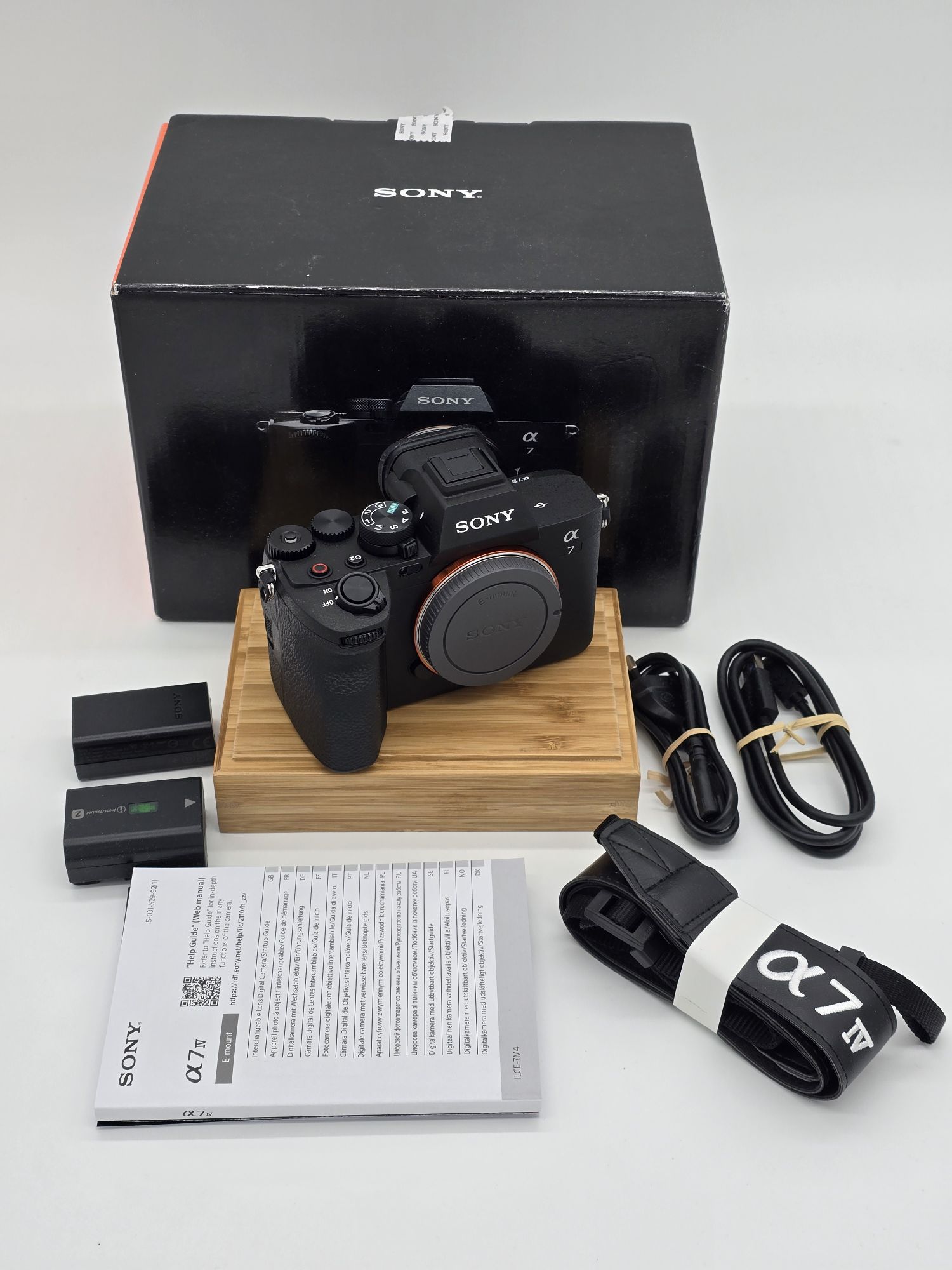
- Sony A7 IV. 33 MP, 4K up to 60 fps (with a crop of roughly 1.5×), 10-bit 4:2:2 recording and the S-Log3 profile. A fully articulating screen, microphone input and headphone output, in-body stabilisation. The most versatile choice when you want both stills and video.
- Canon EOS R6 Mark II. 24 MP, 4K up to 60 fps with no crop, fast autofocus and in-body stabilisation. An articulating screen.
- Canon EOS R8. A light body without in-body stabilisation, but with an articulating screen and 4K up to 60 fps. It suits a light gimbal rig or a lens with stabilisation.
- Nikon Z6 III. An articulating screen and much wider video options than the older Z6 II.
- Nikon Z6 II. 4K up to 30 fps with the full sensor width (4K 60p only after a firmware update and with a crop) and good stabilisation, but the screen only tilts up and down, so it is less convenient for filming yourself.
- Sony A7C. A small, light body with an articulating screen and stabilisation, suitable for travel. The viewfinder is smaller and the controls simpler.
A comparison of the two most common candidates is in Canon EOS R6 Mark II vs. Sony A7 IV. A wider look at video bodies is in Video set: a body worth investing in.
The lens: wider than you think
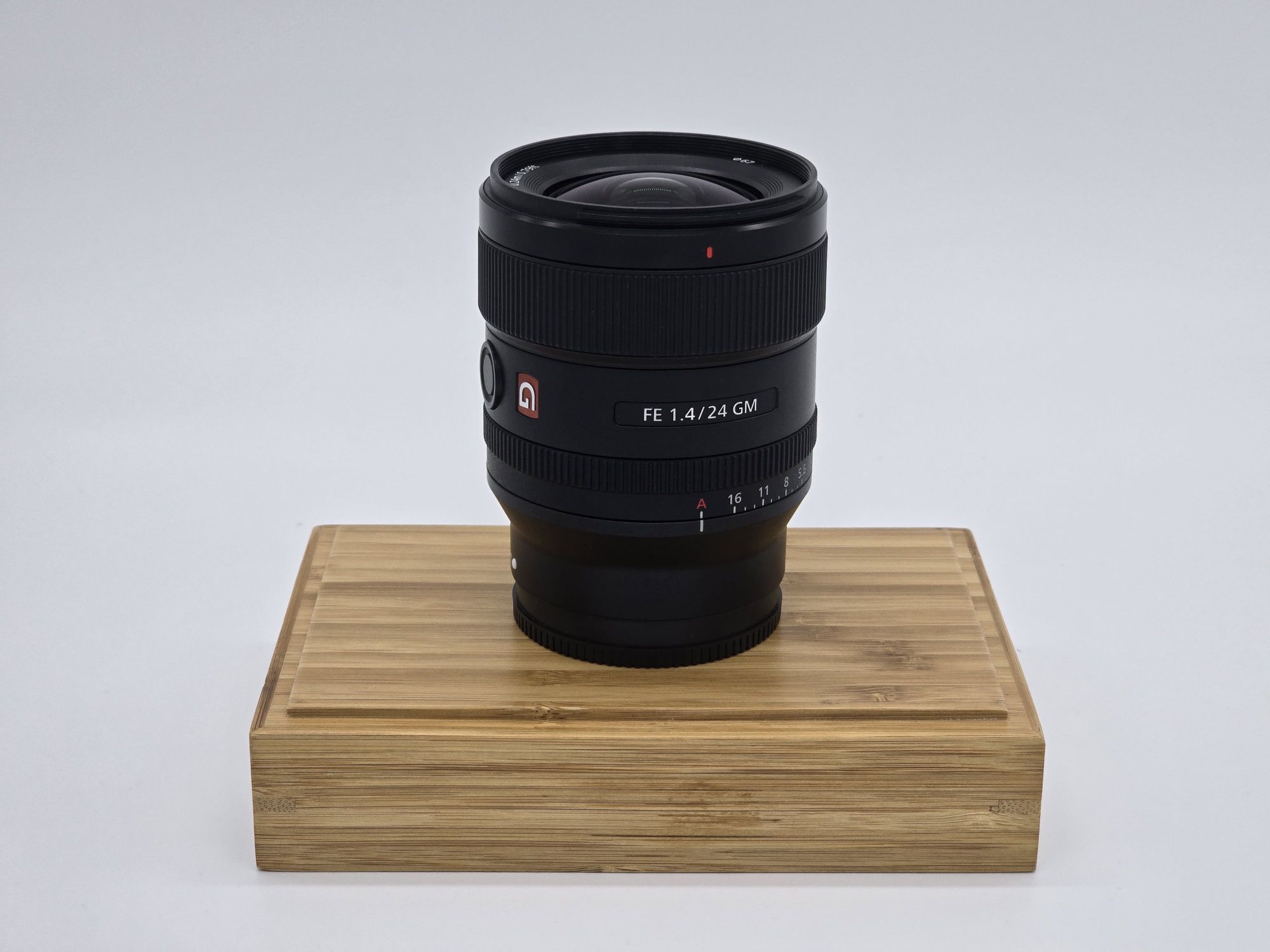
When filming yourself at arm's length you need a wide angle. On full frame, focal lengths of 16–24 mm work well, so that you fit into the frame together with the background. If you switch on electronic stabilisation, the crop narrows the picture even more, so it is better to start a little wider. A fast lens helps, for example a 24 mm f/1.4 or a 14 mm f/1.8 on Sony, or a versatile 16–35 mm f/2.8 zoom. Focusing in video has to follow you unobtrusively, so choose a lens with a quiet motor.
Video settings
- Frame rate: 25 fps for ordinary recording in Europe, 50 fps if you want to slow down to 25 fps.
- Shutter speed: about twice the frame rate, i.e. 1/50 s at 25 fps and 1/100 s at 50 fps. With a shorter time the motion will look choppy.
- Outdoors in the sun: for 1/50 s at f/2.8 you need an ND filter, roughly ND64 (six stops). Without it the image is overexposed.
- White balance: manually in Kelvin, not automatic. Auto WB changes the colour in the middle of a shot.
- Audio: set the level manually so that peaks do not exceed roughly −12 dB when you speak loudly. Use a windshield outdoors.
- Colour profile: if you do not grade colour, choose a standard profile. Log in 8-bit is prone to banding.
- Stabilisation: switch it off when filming from a tripod.
What to check on a used body
- Record at least twenty minutes in 4K and watch the temperature and any warnings.
- Check the stabilisation by walking with the body in front of you and make sure the image is not jerky.
- Turn your head and check that eye AF does not jump around.
- Plug in a microphone and headphones and test both ports.
- Open and close the screen hinge several times so that it has no play and the cable does not break.
- Make sure the body accepts the memory card you plan to use. Demanding recording needs a fast card, see memory cards and accessories.

Typical mistakes
- Sound last. Sort out the microphone before the lens.
- A short shutter speed of 1/500 s or more. The picture then looks unnaturally choppy.
- Automatic white balance. The colour jumps when the framing changes.
- Filming against a window. Autofocus and exposure are then easily lost.
- Ignoring overheating. Test the body in advance for long takes.
- The crop after switching on stabilisation. The same shot is then narrower than you expected.
What I would do
I would choose a body with an articulating screen, stabilisation and a microphone input, add a fast wide lens and an on-camera microphone. The Sony A7 IV offers the best versatility; for travel and light filming I would consider the Canon R8 or Sony A7C. What is on offer right now you can see in the cards below, or have a look at the offer. Tell me whether you shoot mostly handheld or from a tripod and I will recommend a lens too.